
Livery
Pick a theme once and your terminal, editor, git tools and system appearance follow. Livery is the Black Atom desktop app, with a livery command for when you'd rather stay in the terminal.
What apply does
You pick a theme
In the app, or with
livery apply. Livery records it as the active theme.Theme files land where each tool expects them
Linked for tools that read a theme file, merged into the config for tools that keep colours inline.
The switch line is rewritten
The one line in each config that names the theme. Livery rewrites it, it never adds it, so you add it once when you set a tool up.
Running tools reload
Ghostty, tmux, Neovim, herdr and Obsidian pick the new colours up without a restart.
Your system follows
A light theme switches macOS to light appearance, a dark one to dark.
The app
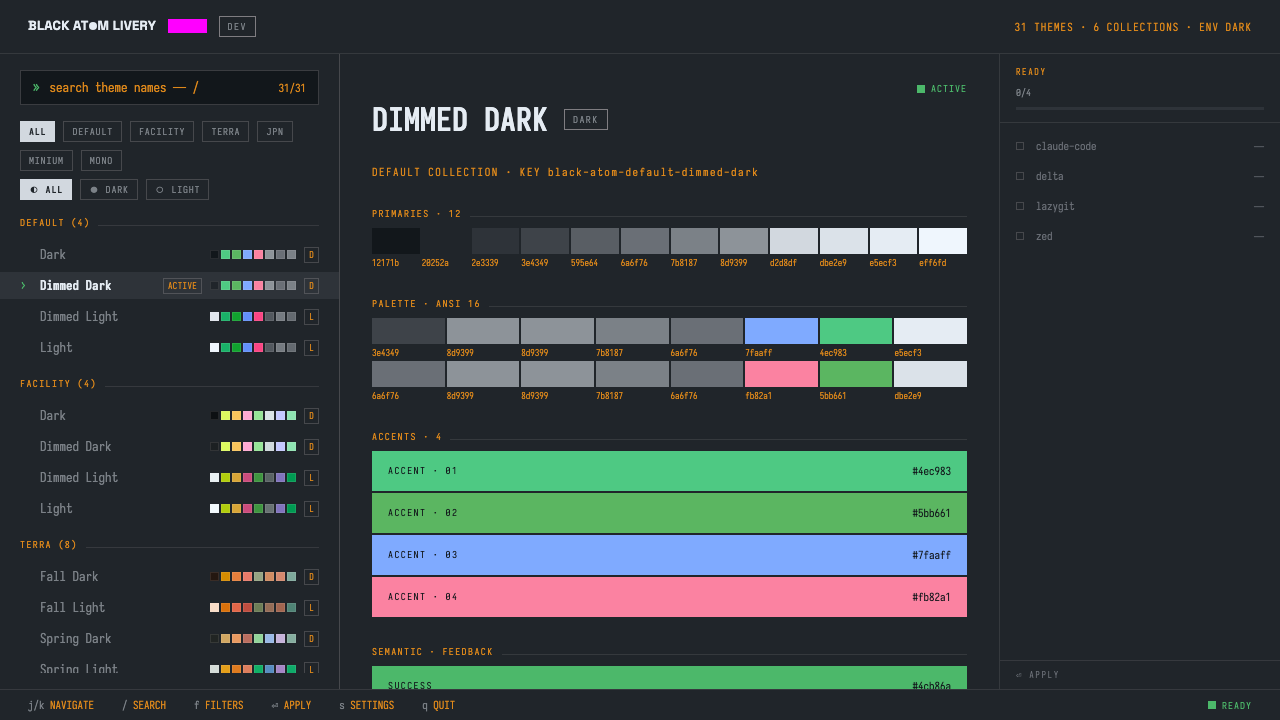
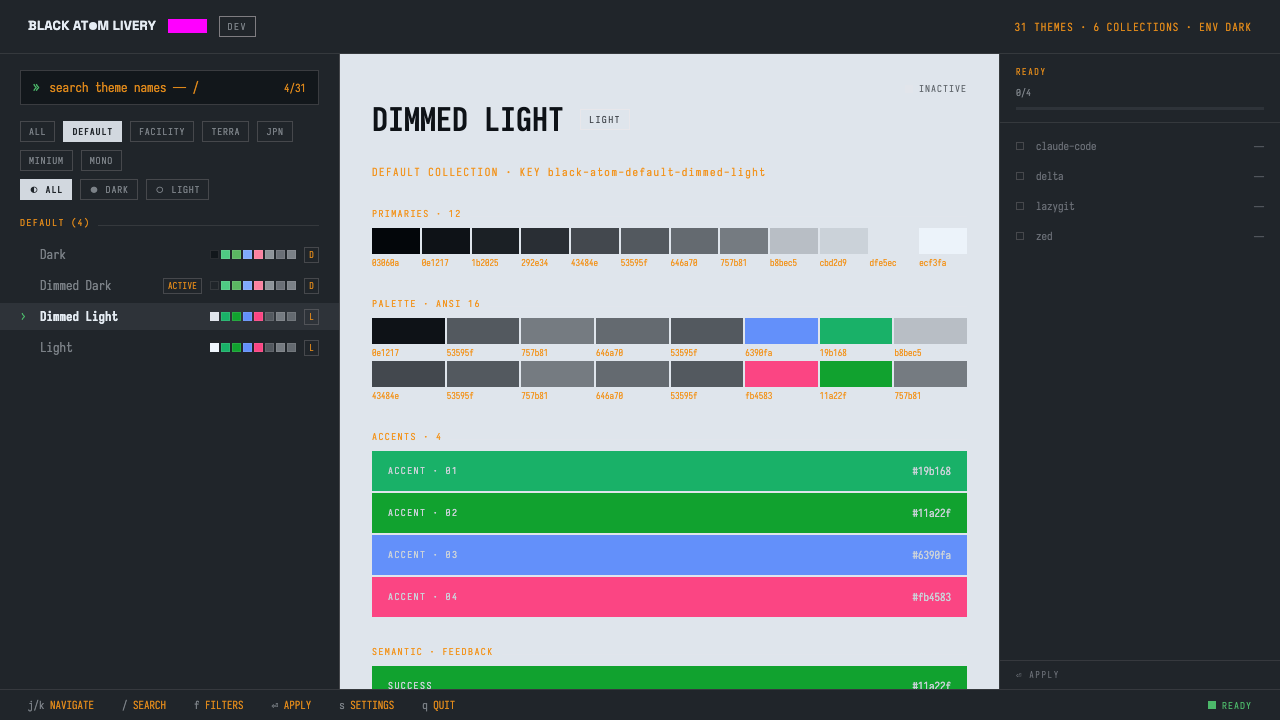
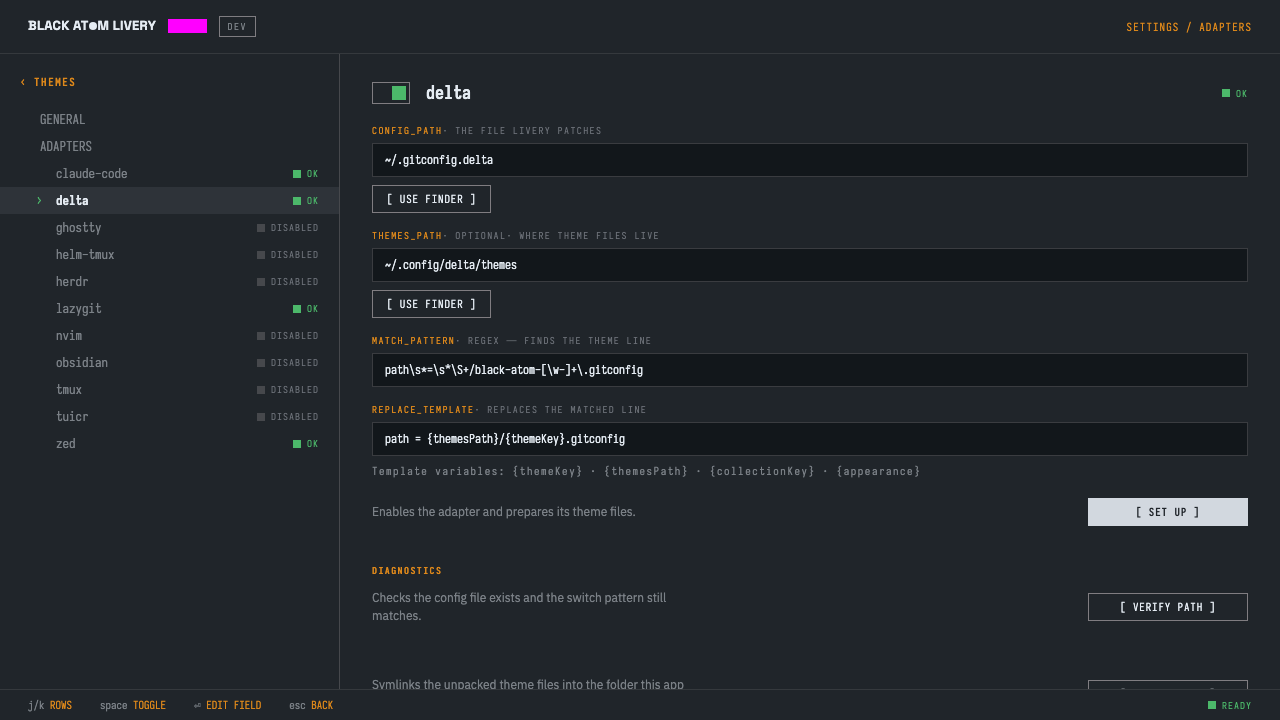
In the terminal
The core of it is a command too. Bind livery apply to a key, or call it from a script that follows the time of day.
$ livery apply black-atom-jpn-murasaki-light$ livery statuslivery- Pick a theme interactively
livery apply [theme]- Apply a theme to every enabled tool
livery list- List all themes
livery status- Show the active theme and each tool's state
livery setup [--yes]- Detect installed tools and enable them
livery appearance dark|light- Switch the system appearance
Switched by Livery
By hand, for now
These have generated theme files in the repo; Livery doesn't switch them yet.
Install
$ git clone https://github.com/black-atom-industries/black-atom$ cd black-atom && npm install$ npm run install:macosmacOS. Needs Node 24.11+ and Rust. Installs livery.app and the livery command, then run livery setup.